How to renew a domain name and never lose it
To renew a domain, sign in to the registrar where it was bought, open the domain and click Renew — or switch on auto-renew so it happens by itself with a saved card. Renewal costs about $10–20 a year for a .com (check your registrar's renewal price, it is often higher than the first-year price). If you miss the date, most registrars give you a short grace period, then a paid recovery period, and only then the domain is deleted and can be bought by anyone.
In short
- A domain is rented by the year, not bought forever: you can pay for 1–10 years ahead, and you have to keep paying to keep it.
- You renew at the RegistrarA registrar is the company you buy and renew a domain from (GoDaddy, Namecheap, IONOS…). Its control panel is where you change nameservers, DNS records and renewal settings.→ — the company you bought it from (not at your web host, unless they are the same company).
- Two ways: manual (click Renew, pay) or auto-renew (the registrar charges a saved card before the date). For a business domain, auto-renew plus a calendar reminder is the safe setup.
- Renewal price is usually higher than the first-year promo price — check it before the date, not after.
Which situation are you in?
| Situation | What to do |
|---|---|
| The domain is active, I want to make sure it never lapses | Turn on auto-renew (steps below) and add a saved card |
| I got a renewal email and want to pay now | Renew manually in the registrar account — not via links in suspicious emails (see mistakes) |
| I'm not sure when it expires or where it is registered | Use the check below — it shows the registrar and the days left |
| The domain has already expired | Renew immediately at the registrar — within the grace period it's the usual price; later a recovery fee applies (see below) |
| I don't want the domain anymore | Turn auto-renew off well before the date and let it lapse |
How to check when your domain expires
Check your domain
Enter a domain to see its current nameservers, where the website points, whether www and email are set up, and which registrar it's with.
The check above reads the public registry data (WHOISWHOIS is the public lookup that shows who registered a domain, when it expires and which nameservers it uses. Most registrars hide personal details with free privacy protection.→) and shows the registrar and how many days the domain is still registered for. The same information is in your registrar's account next to the domain, and in the renewal reminders registrars are required to send — typically about a month and a week before the date, plus a notice after expiry. The WebFora dashboard also shows the expiry of a connected domain to your manager, so you'll hear from us if it gets close.
Step by step: renewing a domain manually
Step 1
Sign in to the registrar where the domain was bought
Not sure which company? The check above shows the registrar. If you've lost the login, use its “forgot password” with the email you registered with. How to know it worked: you see the domain in your list of domains.
Step 2
Open the domain and click Renew
The button is on the domain's page or in the list (sometimes under “Renewals & Billing” or a refresh icon). Choose how many years — multi-year renewal locks today's price and removes yearly admin. How to know it worked: the cart shows the domain, the term and the renewal price.
Step 3
Pay and check the new date
Pay with a card or account balance. How to know it worked: the domain's expiry date in the account moved forward by the years you paid; a receipt arrives by email. Public registry data updates within minutes to a day.
Where to turn on auto-renew at GoDaddy, Namecheap, Porkbun, IONOS, Cloudflare
| Registrar | Auto-renew | Note (per the registrar's help) |
|---|---|---|
| GoDaddy | Domain Portfolio → domain → section Renew → toggle Auto-renew → Continue | Domain Protection may ask for a verification code; changes can take up to 90 minutes to show |
| Namecheap | Domain List → the domain → Auto-Renew toggle; plus Profile → Billing → add a card or funds and enable auto-renewal for it | Needs a card or account balance; PayPal isn't used for auto-renew; promo codes don't apply to renewals |
| Porkbun | Domain Management → refresh icon in the RENEW column → section Auto Renewal → turn on | Requires a card on file |
| IONOS | Auto-renew is on by default; it's turned off under the domain's cancellation settings | Can be deactivated up to 72 h before the term ends and reactivated up to 48 h before |
| Cloudflare Registrar | Domain → auto-renew toggle (on by default) | Attempts the charge about 30 days before expiry and retries three times; renewals sold at cost and non-refundable |
Whatever the registrar, auto-renew only works if the saved card is valid. When you get a new card, update it there first — expired cards are the most common reason an auto-renewal silently fails.
What happens if a domain expires
The exact timeline depends on the extension and the registrar, but for most international domains (.com, .net, .org, new extensions) it looks like this. Treat the numbers as typical, not guaranteed — your registrar's help page has the exact ones.
| Stage | What's happening | What you can do |
|---|---|---|
| Expiry date | The website and email on the domain usually stop working within days; the registrar may show its parking page | Renew at the normal price |
| Grace period (often up to ~30–45 days) | The domain still belongs to you, just switched off | Renew at the normal price — most registrars allow it without extra fees |
| Redemption period (typically 30 days) | The registry has started deletion; the domain is recoverable only through the old registrar | Restore for a recovery fee (often many times the renewal price) plus the renewal |
| Pending delete (about 5 days) | No way back | Wait and try to register it again — competitors and domain investors may be waiting too |
| Released | Anyone can register the name | Register it again if it's still free |
What it means for a business: an expired domain is a website that is down, email that bounces (the MX recordMX records tell the world which mail servers receive email for your domain. Google Workspace, Microsoft 365 or your host each give you their own MX values; wrong or missing MX = no incoming mail.→ stop answering together with the Nameservers (NS)Nameservers are the servers that hold your domain's DNS records. Changing them (usually two addresses like ns1.example.net) hands the whole DNS setup to a new provider — the simplest way to connect a domain to a website.→) and, after the deletion, a name that someone else may buy and park. Renewing within the grace period is cheap; waiting is not.
Common mistakes
- Renewal reminders go to an old mailbox. The registrar emails the address on the account and in WHOISWHOIS is the public lookup that shows who registered a domain, when it expires and which nameservers it uses. Most registrars hide personal details with free privacy protection.→ — if that's a former employee or a dead inbox, you never see the warning. Check the contacts once a year.
- Paying a “renewal invoice” from a stranger. Scam letters and emails that look like invoices ask you to “renew” a domain at a company you've never used — or quietly transfer it. Renew only inside your own registrar account.
- Trusting auto-renew with an expired card. Update the card when the bank replaces it.
- Thinking the host renews the domain. Hosting and domain are separate subscriptions, often at different companies. Your website subscription does not renew the domain unless it says so explicitly.
- Letting the registrar's price jump surprise you. First-year promos end; renewal prices are public — compare before the date and transfer a month in advance if the difference matters.
- Trying to transfer instead of renewing an expired domain. Transfers are usually blocked after expiry; renew first.
What's next
Once auto-renew is on and the card is current, the domain takes care of itself; keep the expiry date in your calendar anyway. If the renewal price bothers you, a transfer to another registrar usually costs one year of renewal and adds that year to your term. And if the domain is renewed but the website on it isn't where you want it — we can connect the domain without moving it.
FAQ
How much does it cost to renew a domain?+
Roughly $10–20 a year for a .com and similar extensions; country domains and premium extensions vary. The renewal price is usually higher than the first-year promo price — check it in your registrar's price list.
How do I know if my domain is expired?+
Use the check on this page — it shows how many days the domain is registered for and which registrar holds it. Your registrar's account and reminder emails show the same date.
Can I renew an expired domain?+
Usually yes. During the grace period right after expiry you pay the normal price; during the redemption period (about 30 days more) a recovery fee applies; after deletion you can only try to register it again.
What happens to my website and email when the domain expires?+
They stop working — the domain's nameservers stop answering and the registrar may show a parking page. Renewing restores everything within hours.
Is auto-renew safe?+
Yes, and it's the recommended setting for a business domain. The only risk is a card that has expired — keep the payment method current and keep a calendar reminder as a backup.
For how many years can I renew?+
Most extensions allow up to 10 years in total, paid ahead. Longer terms lock in today's price and reduce the chance of forgetting.
Why did I get a renewal notice from a company I don't know?+
It is most likely a scam or a misleading “transfer” offer. Check the sender against the registrar shown in the check above and renew only in your own account.
Does my WebFora subscription include the domain renewal?+
No — the domain stays in your name at your registrar, and you renew it there. If you don't have a domain yet, your manager helps you pick an available name and connects it after you buy it.
Was this guide helpful?
Related guides
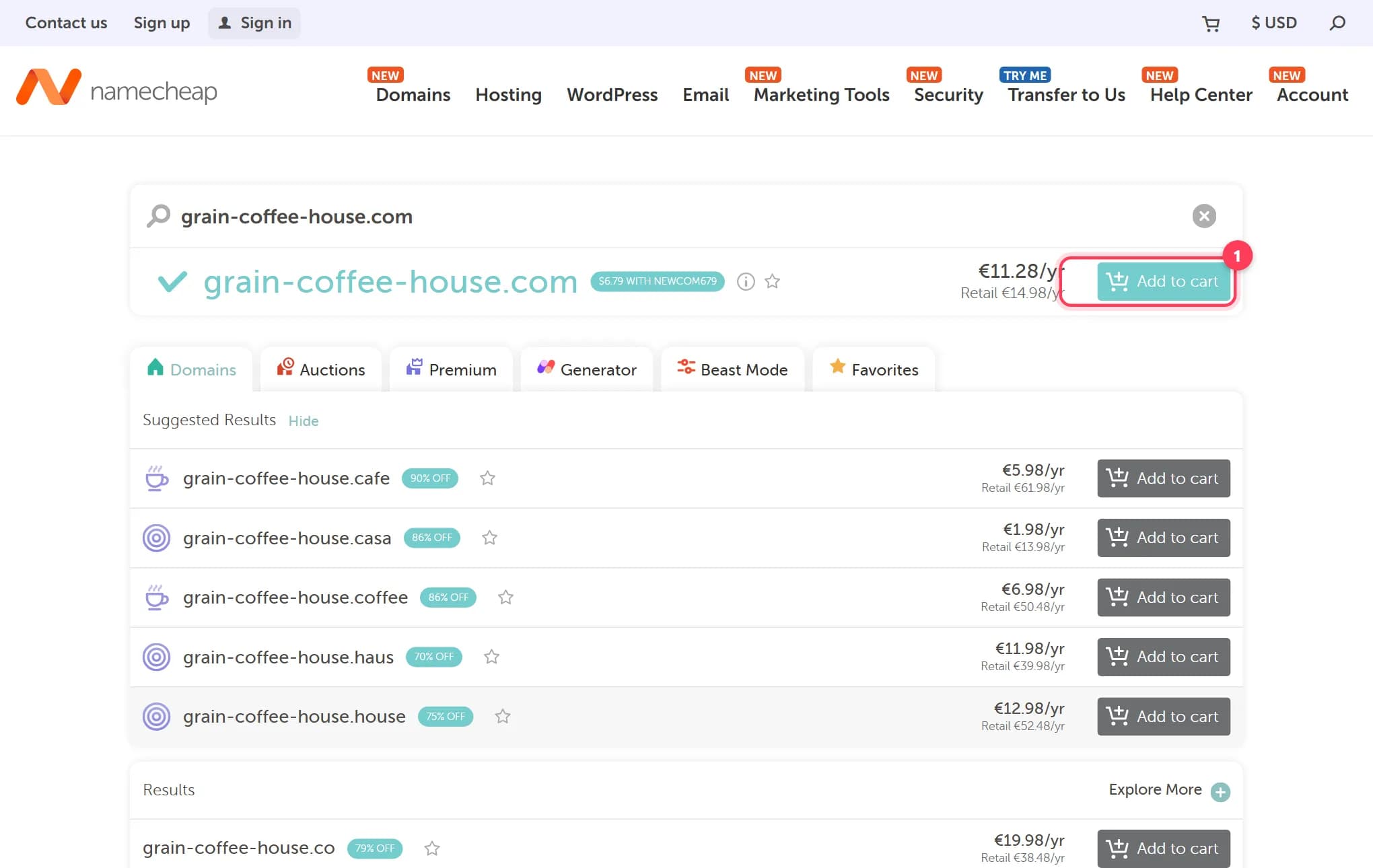
How to buy a domain name for your website, step by step
Buy a domain name in 15 minutes: where to buy, what it costs per year, how to dodge renewal traps and upsells. Real registrar screenshots, checked 2026.
9 min readHow to transfer a domain to another registrar, step by step
Transfer a domain name to a new registrar in 5 steps: unlock, get the EPP/auth code, the 60-day rule, how long it takes, cost, what keeps working.
9 min read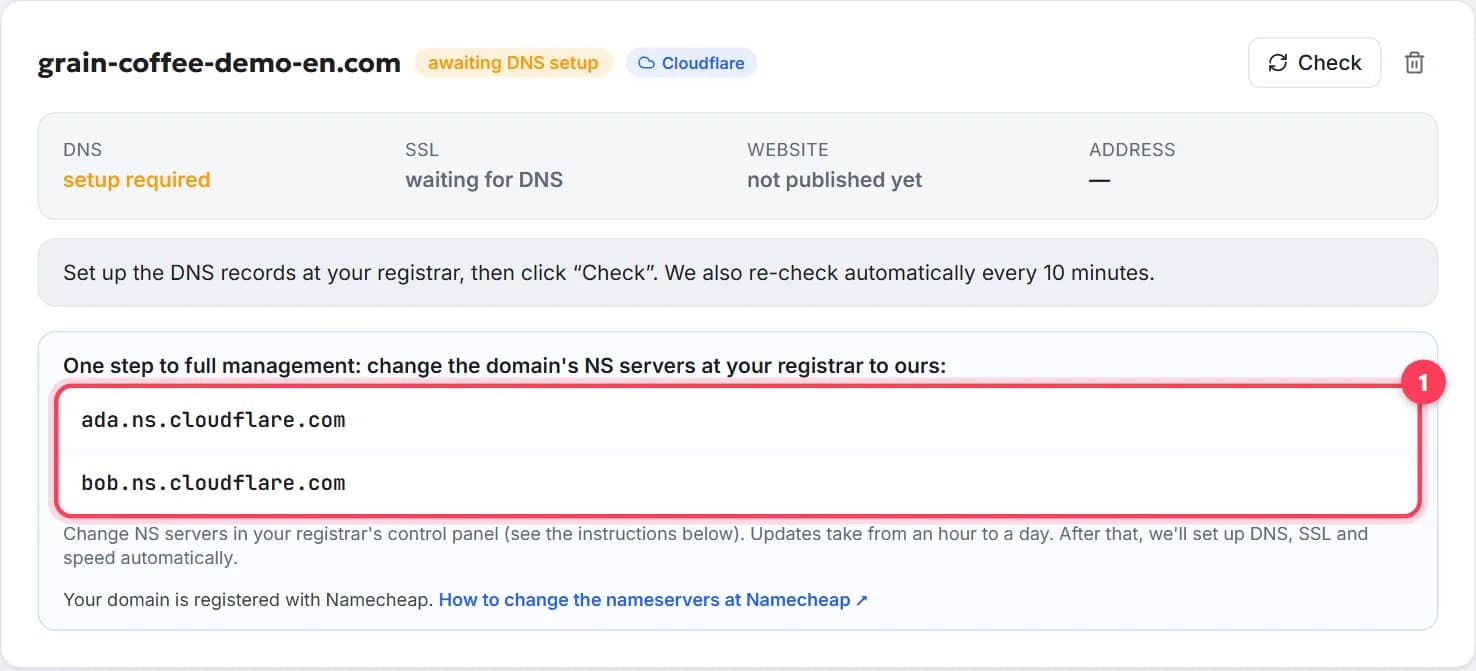
How to change the nameservers of a domain, step by step
Change your domain's nameservers in 5 minutes: what they are, where to click at GoDaddy, Namecheap, Porkbun, IONOS, how long it takes, what about email.
7 min read