How to connect your own (custom) domain to your WebFora website
You connect your own domain to your WebFora website in the dashboard, under “Domain”. You enter the address, we give you two nameservers, and you set them once at your registrar. We do everything else: DNS records, the SSL certificate and HTTPS. No IP addresses or A records to type in. It takes you 5 minutes; the internet needs an hour to a day to update.
What you need before connecting a domain
- Access to your WebFora dashboard (the sign-in link comes by email).
- Access to the site where you bought the domain — your registrar (Namecheap, GoDaddy, Porkbun, IONOS, etc.).
- The domain name itself, e.g.
mysite.com— withouthttps://and withoutwww.
Open the “Domain” section
Step 1
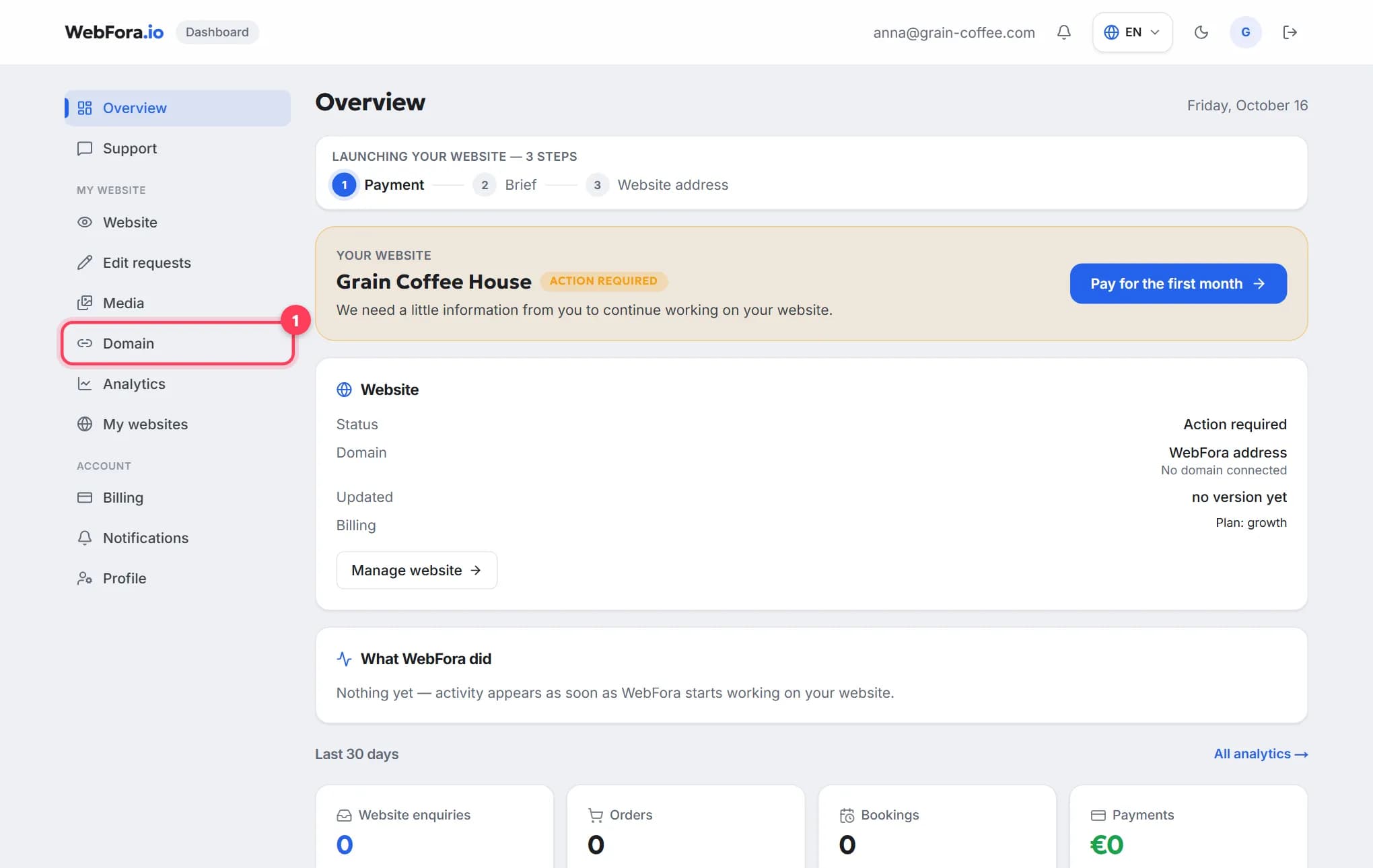
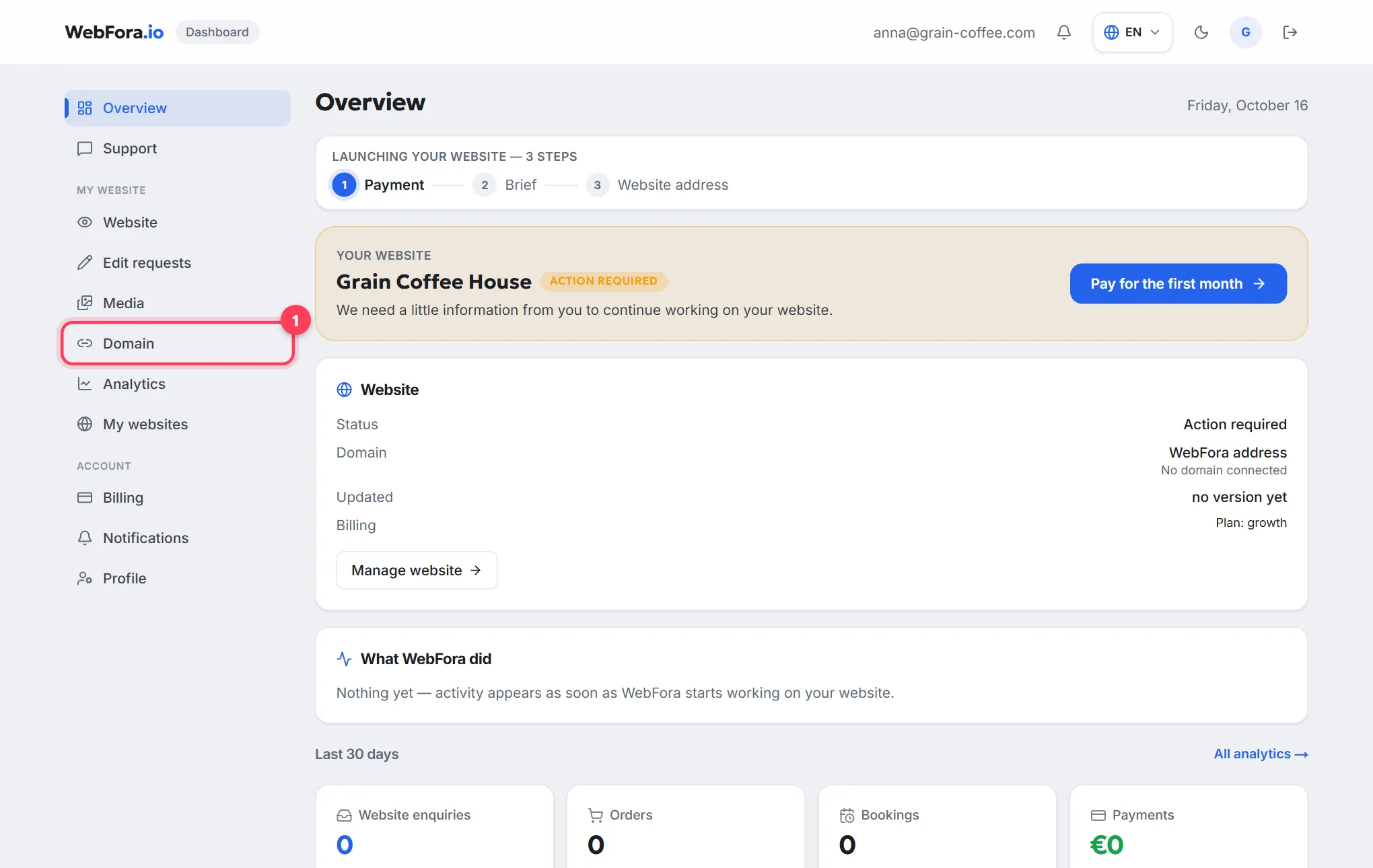
Sign in and choose “Domain” in the menu
It's in the “My website” block. If you have several websites, the dashboard first asks which one the domain is for.
Step 2
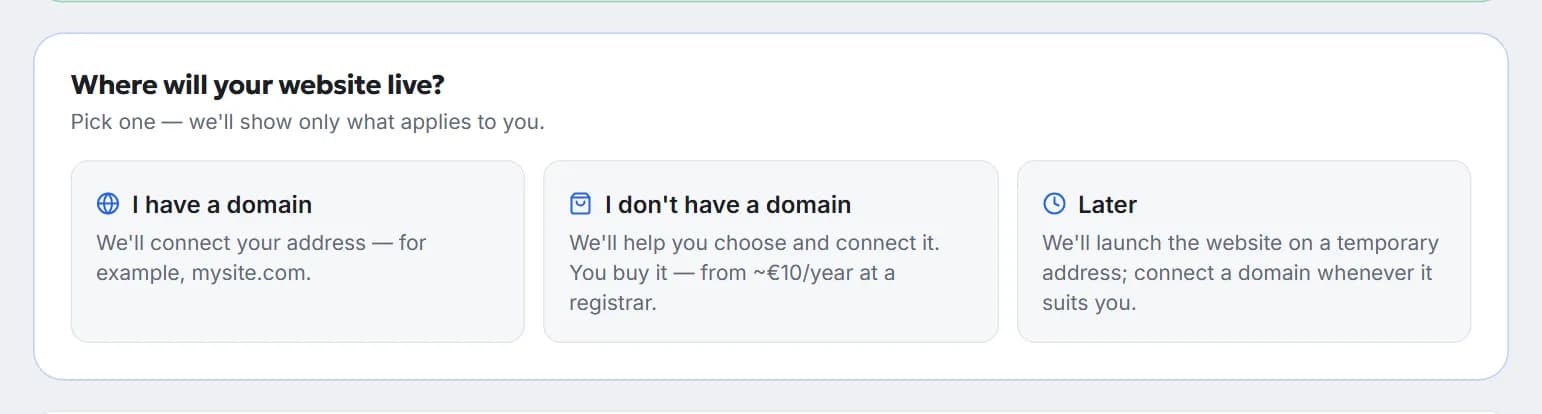
Pick an option
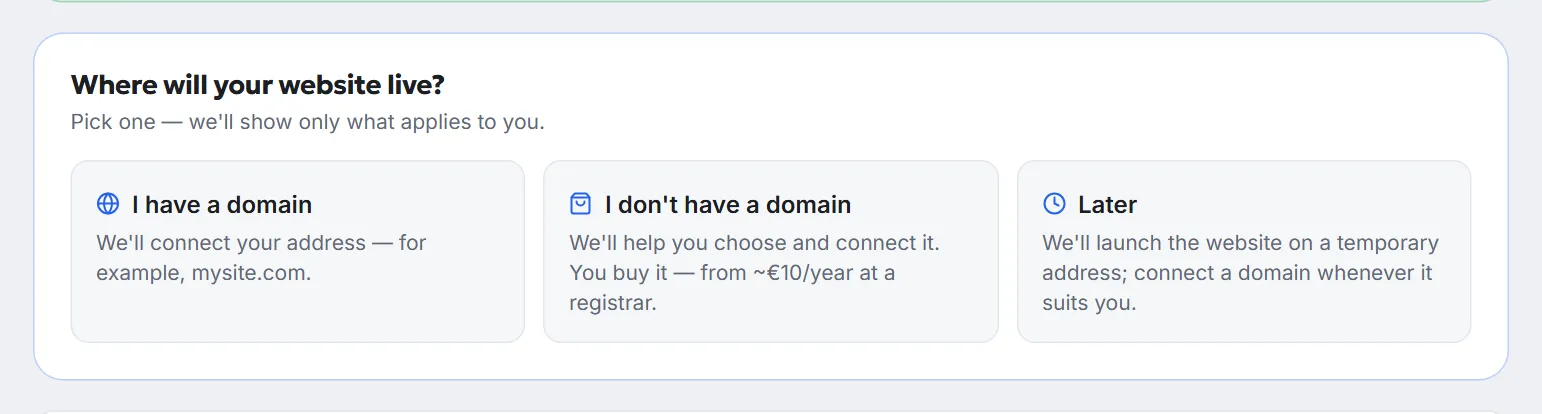
Right after the brief the dashboard asks “Where will your website live?” and offers three options: “I have a domain”, “I don't have a domain” (we help you choose and connect it; you buy it — from ~€10/year at a registrar) or “Later” — the website then launches on a temporary WebFora address, and you connect a domain whenever it suits you. The dashboard shows only the blocks for the option you picked.
Connect your domain with two nameservers — that's it
Nameservers are the domain's “address book”: they tell the internet who manages its settings. You set our nameservers at your registrar, and from then on we create all the records, issue the SSL certificate and switch on HTTPS. The domain stays yours and registered in your name — only who manages its settings changes.
Step 1
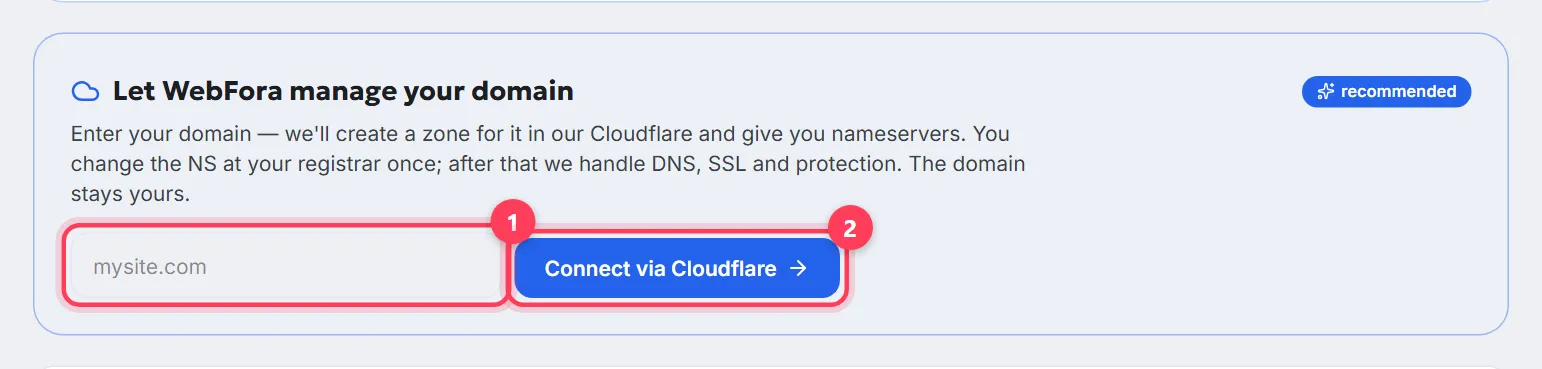
Enter your domain and click “Connect via Cloudflare”
The “Let WebFora manage your domain” block is marked as recommended. Enter just the name:
mysite.com.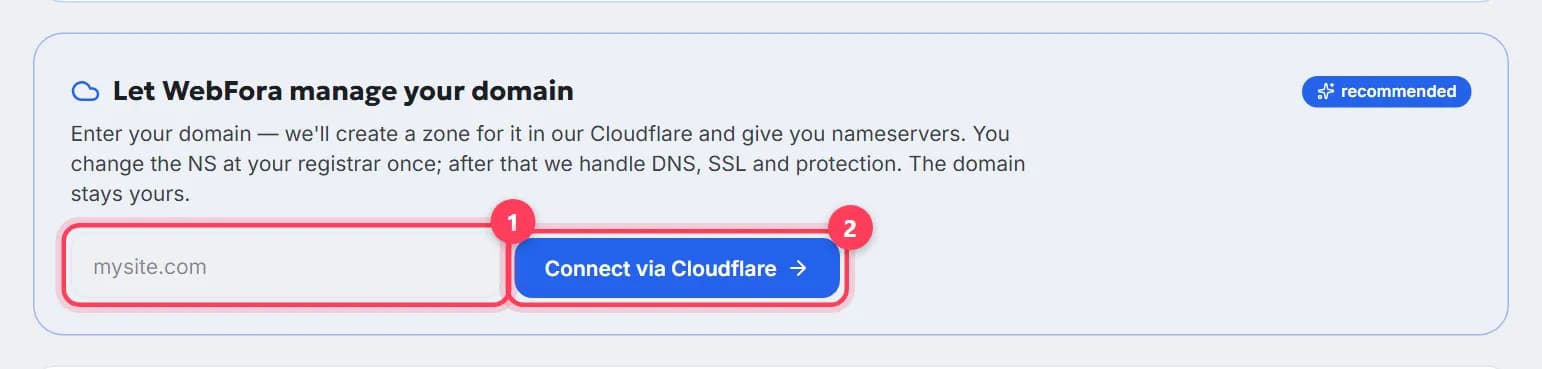
Step 2
Copy the two nameservers from the domain card
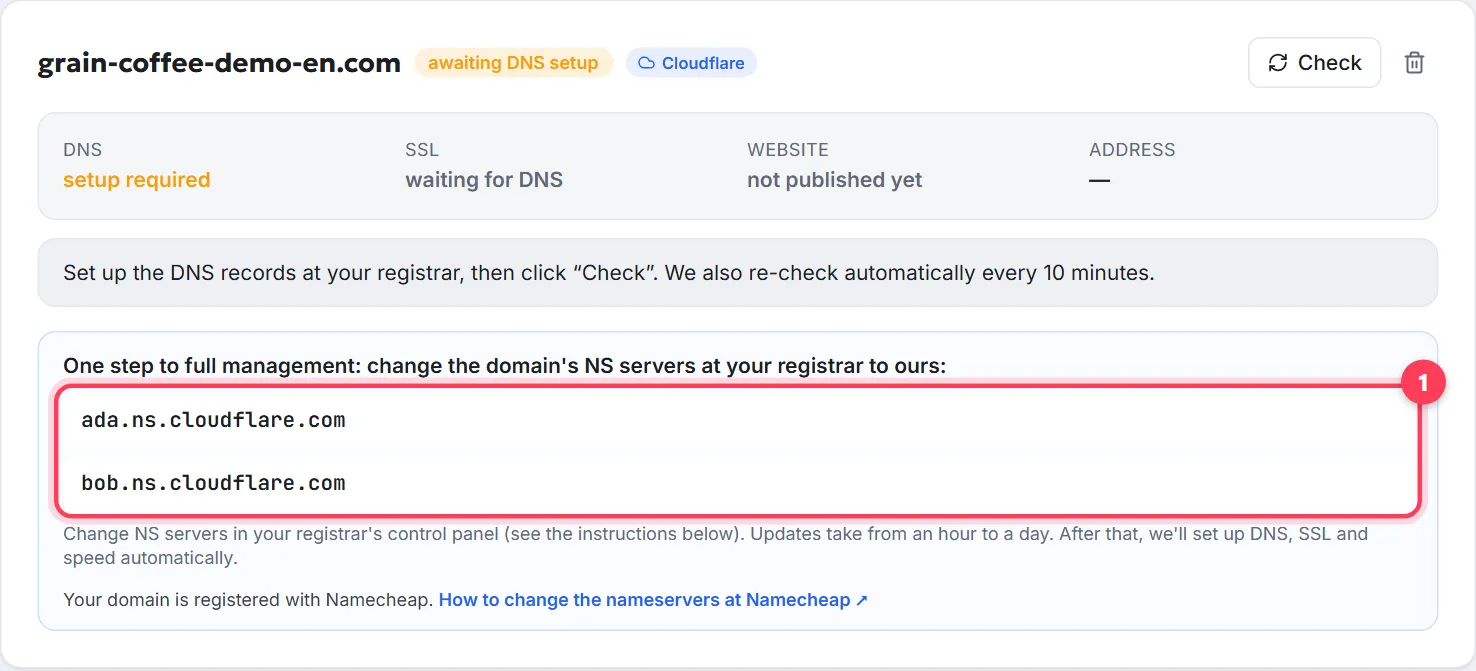
The card shows two addresses like
….ns.cloudflare.com— we issue them for you, unique to each domain. The dashboard also detects your registrar and links straight to its “change nameservers” instructions. If the nameservers don't appear right away, your manager will prepare them and send them in the chat.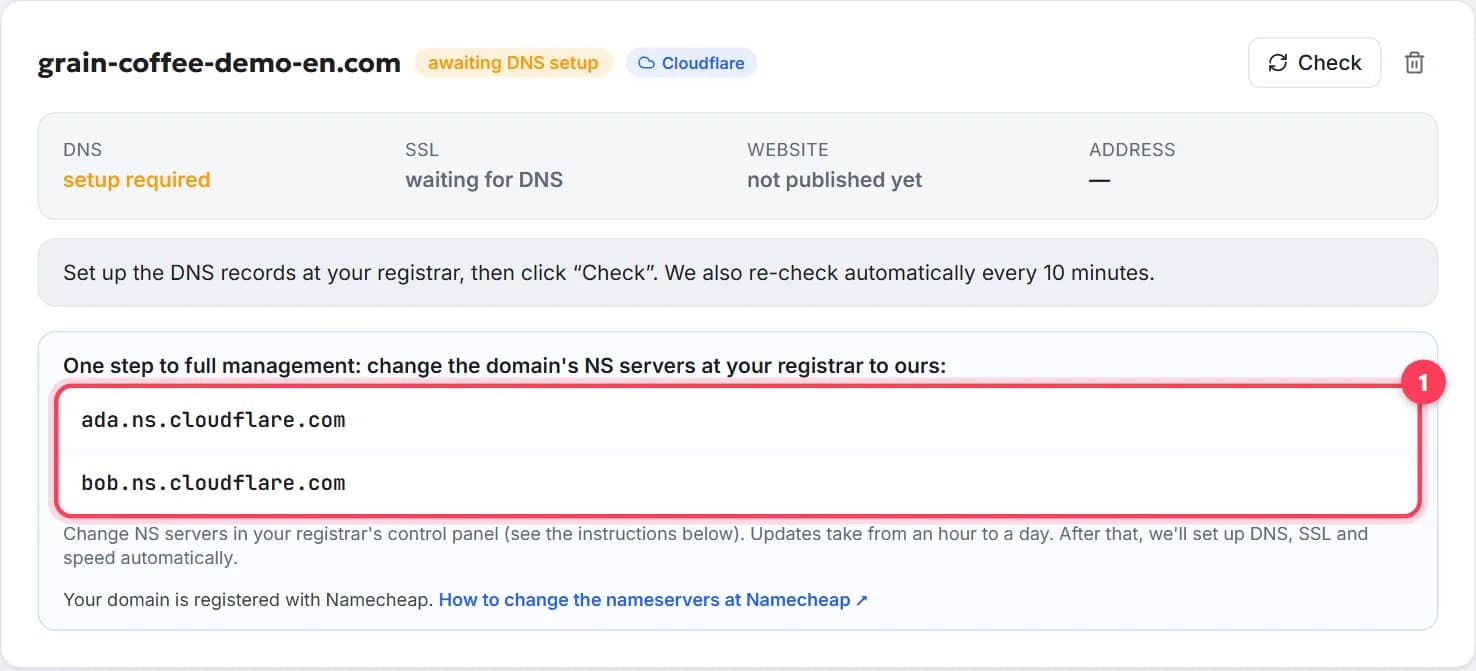
Step 3
Replace the nameservers at your registrar
In your registrar's panel open the domain → Nameservers (sometimes “DNS servers”) → choose custom nameservers (Custom DNS) → paste both addresses instead of the old ones → save. Where to find it at popular registrars: How to connect a domain to a website.
Step 4
Wait — we do the rest
Nameserver changes take from an hour to a day. We check the domain automatically every 10 minutes, and as soon as the nameservers update we create the records and switch on SSL and HTTPS ourselves. The card status changes from “awaiting DNS setup” to “live”. You can also click “Check” at any time.
Can't change nameservers? Connect with DNS records
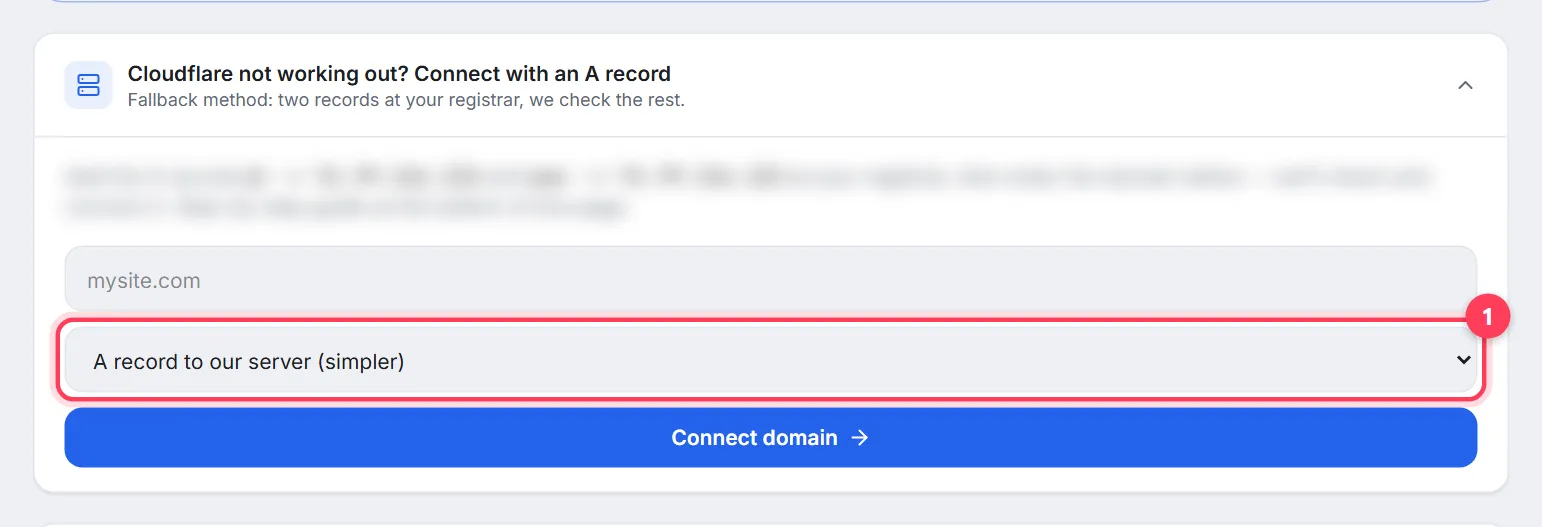
If you can't change the nameservers (Cloudflare Registrar) or you want to keep DNS where it is because other services are set up there, use the collapsed block “Cloudflare not working out? Connect with an A record” — it sits under “I have a domain”, below the Cloudflare block. Click it to open, enter the domain and click “Connect domain”. The card then shows the exact records to add at your registrar — one to confirm ownership and the ones for the website — just copy them as they are. If anything is unclear, your manager will help in the chat.
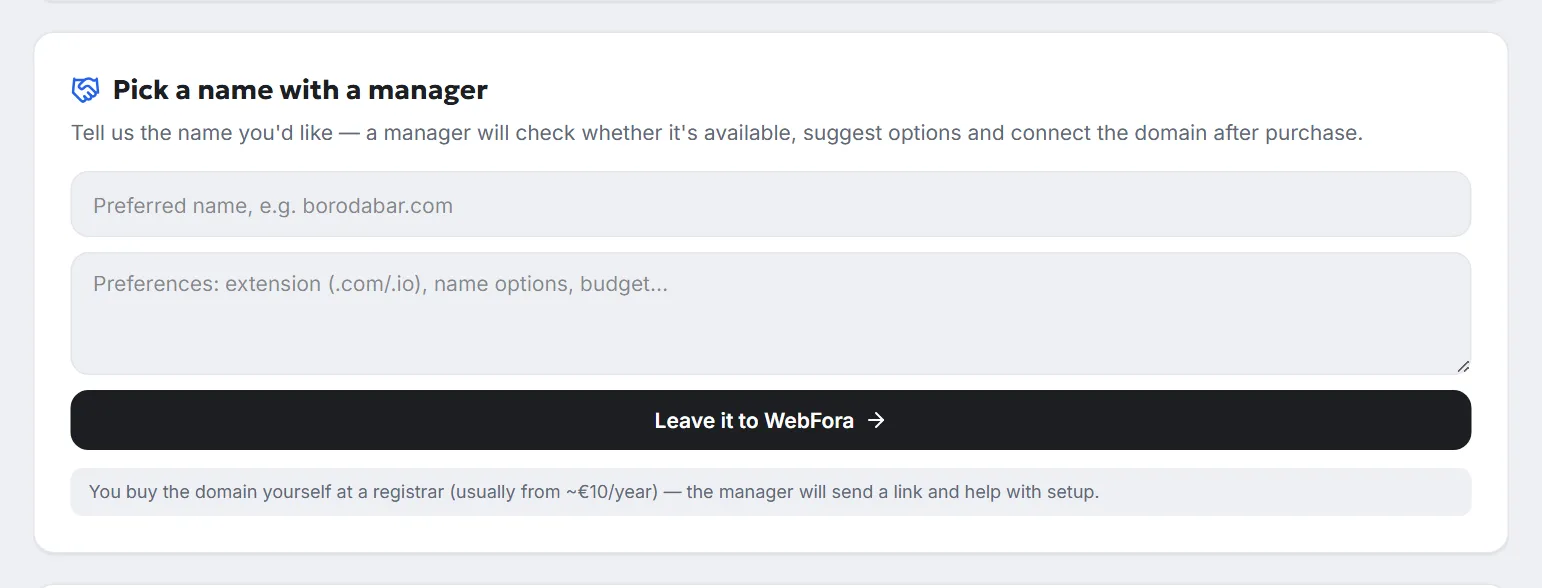
No domain yet? Pick a name with a manager
Choose “I don't have a domain” and the “Choose and buy a domain” block opens with links to registrars: you buy the domain yourself, usually from ~€10/year, and it's registered in your name from day one. Not sure which name to take? Below it, in “Pick a name with a manager”, enter the name you'd like (e.g. borodabar.com) and any preferences — extension, name options, budget — and click “Leave it to WebFora”. Your manager checks whether the name is available, suggests options, sends you a link to buy it and connects the domain after you've bought it. Bought it? Choose “I have a domain” above and connect it.
How to check your domain is connected
Check your domain
Enter a domain to see its current nameservers, where the website points, whether www and email are set up, and which registrar it's with.
| What the card shows | What it means | What to do |
|---|---|---|
| DNS: setup required | The nameservers at the registrar haven't updated yet | Check they're pasted correctly and wait |
| DNS: verified, SSL: issuing… | The domain is with us, the certificate is being issued | Nothing — usually a few minutes |
| Website: not published yet | The domain is ready, the website is still in progress | Nothing — it opens on your domain as soon as it's published |
| Status “live” | DNS, SSL and the website all respond | Done 🎉 |
FAQ
Do I need to enter an IP address or A records?+
No. When connecting via nameservers you only set the two nameserver addresses from your dashboard at your registrar — we set up all the records, SSL and HTTPS. Manual records are only needed in the fallback method.
Will the domain stop being mine?+
No. The domain stays registered in your name, at your registrar, and you renew it. We only manage its settings — you can switch the nameservers back at any time.
How long until the website opens on my domain?+
Usually an hour to a few hours, rarely up to 24 hours: that's how long the internet takes to refresh domain data. The dashboard re-checks the domain automatically every 10 minutes.
What happens to my email on this domain?+
When connecting we copy your existing email records, so email keeps working.
Can I connect a domain later?+
Yes. Choose “Later” — the website launches on a temporary WebFora address, and you can connect a domain in the “Domain” section at any time.
Do I need to transfer my domain to WebFora?+
No. The domain stays at the registrar where you bought it — you only change its nameservers there. No transfer, no auth code.
Can I connect a domain bought at GoDaddy, Namecheap or a local registrar?+
Yes — any registrar that lets you change the nameservers, which almost all do. If yours doesn't (like Cloudflare Registrar), use the DNS-records method or ask your manager in the chat.
Do I need to buy an SSL certificate?+
No. Once the domain is connected, we issue the certificate and switch on HTTPS ourselves — the card shows when it's ready.
Can WebFora buy the domain for me?+
No — you buy the domain yourself at a registrar (usually from ~€10/year), so it's registered in your name from the start. Your manager helps you pick an available name, sends you the link to buy it and connects the domain once it's paid for.
Was this guide helpful?
Related guides
How to connect a domain to a website, step by step
Point your domain to your website in 5 minutes, free: nameservers or A record, where to click at GoDaddy or Namecheap, how long it takes, how to check.
8 min read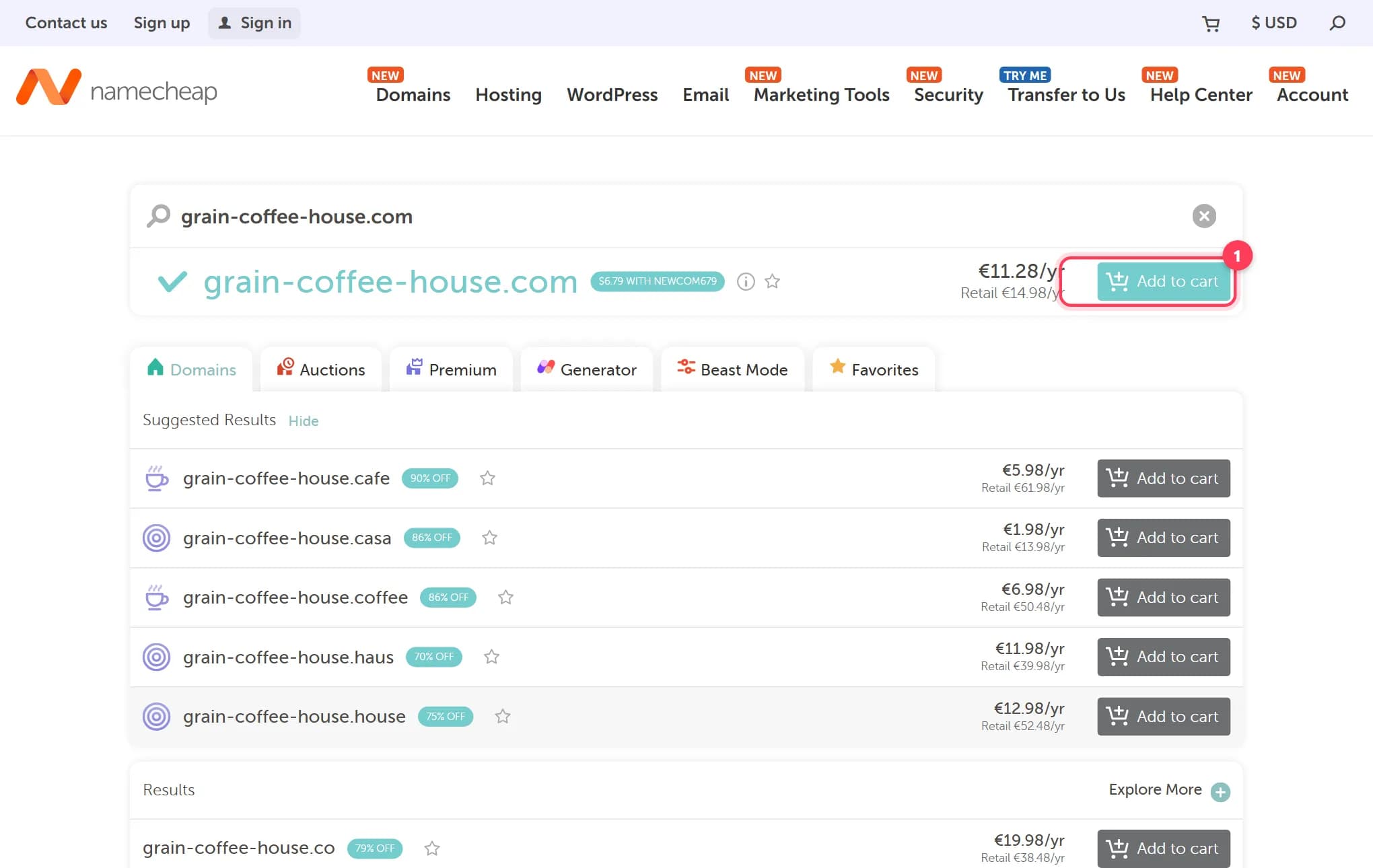
How to buy a domain name for your website, step by step
Buy a domain name in 15 minutes: where to buy, what it costs per year, how to dodge renewal traps and upsells. Real registrar screenshots, checked 2026.
9 min read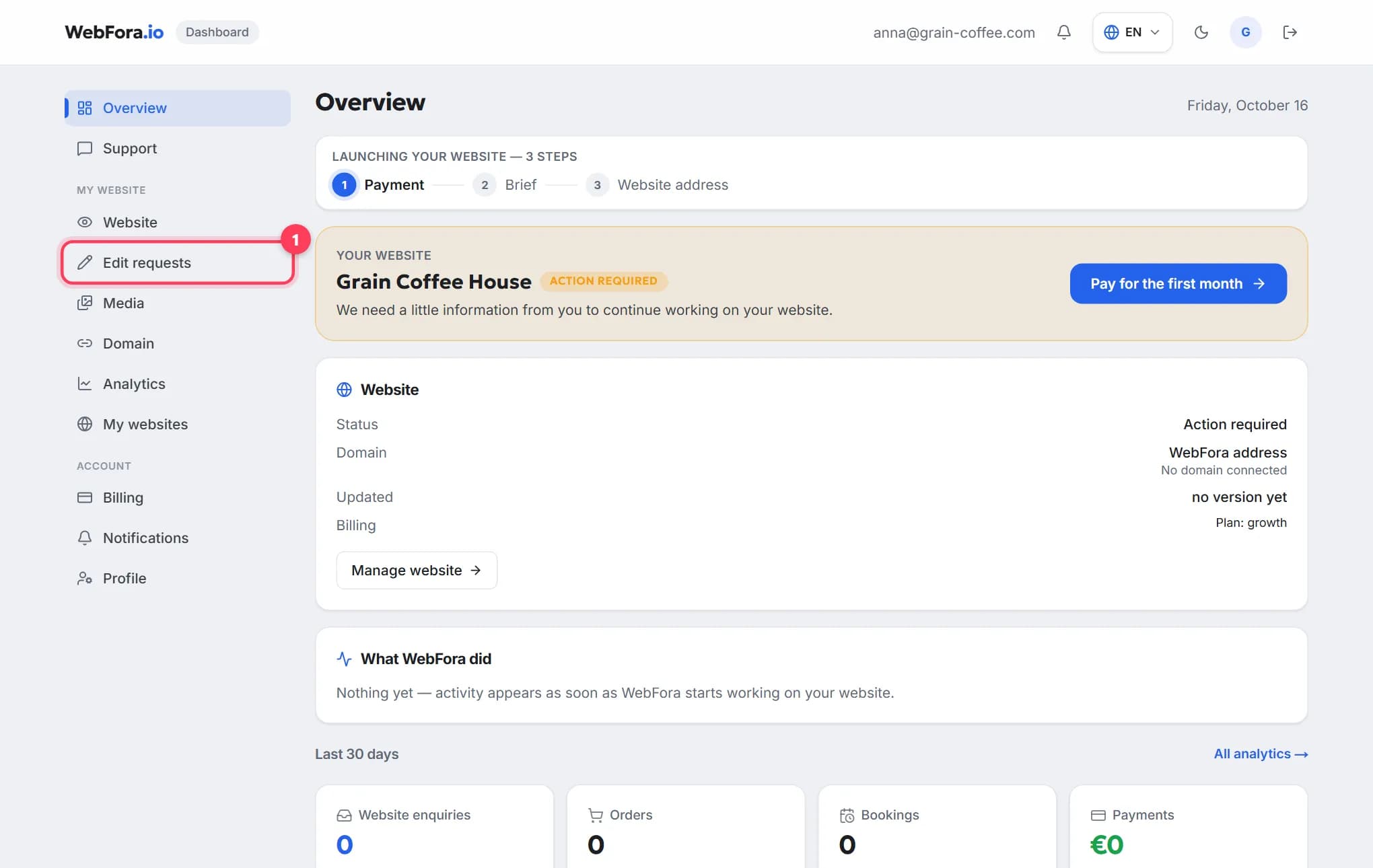
The WebFora client dashboard: what is where
A tour of the WebFora client dashboard: each menu item, the website status block, what the team did, 30-day enquiries and where to message your manager.
6 min read